Skip to content
Memories Book

Family history book examples

See how family tree details and memories become a readable book

No two books have the same page count or mix of material. The structure stays consistent while the contents come from the people and memories in the FamilySearch branch you choose.

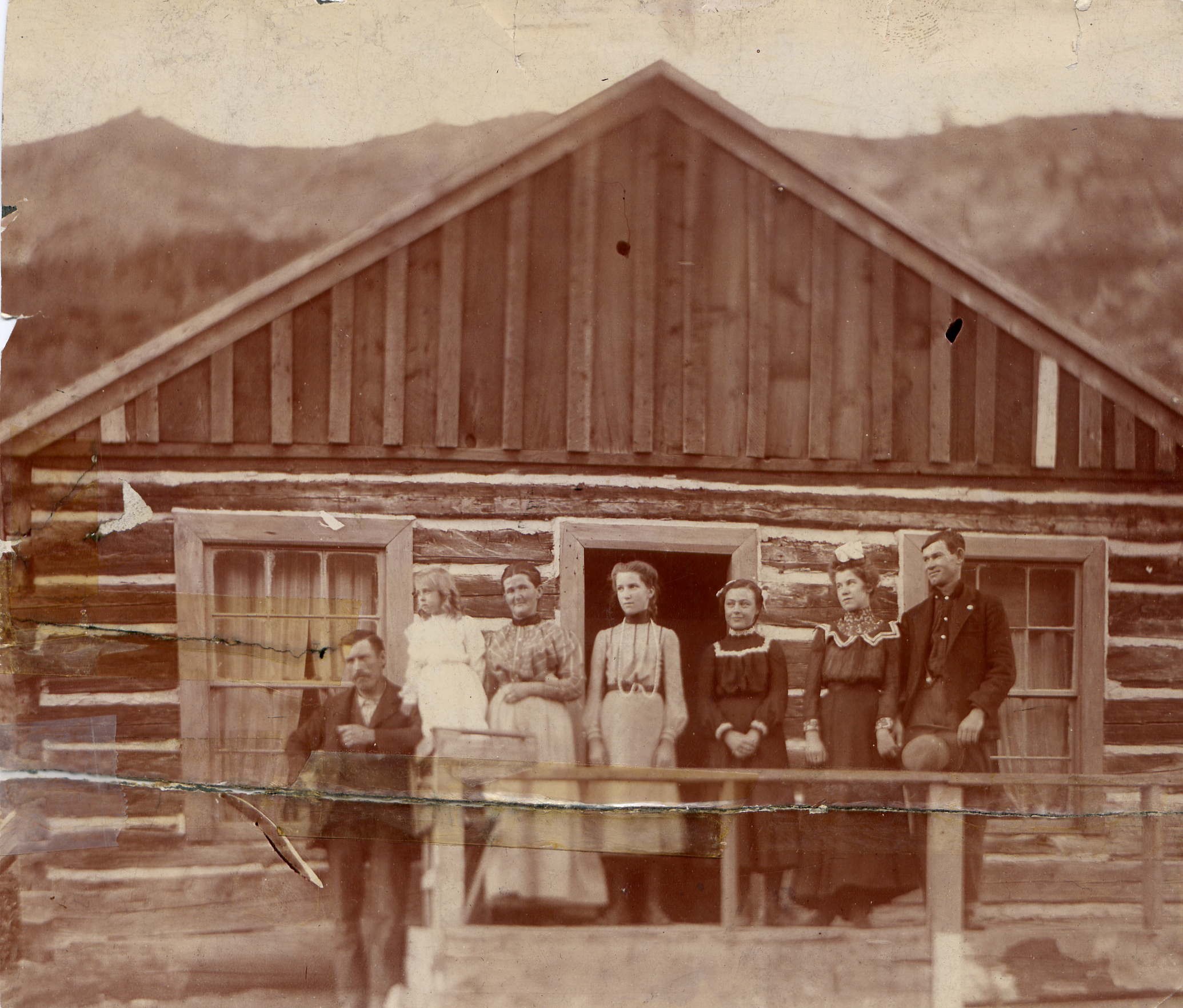
A landscape family photograph like those used across book pages
Photos and stories from your treeShown with the people they belong to
Opening pages and family charts
Ancestor sections with names and lifespans
Photographs with their source context
Written stories and PDF memory pages

A short grandparent book

Start with one grandparent and choose two or three generations. Use the 25-photo setting. This version can work as an introduction for children or as a focused birthday gift. It is also a practical first build when a branch has hundreds of memories.

A fuller branch book

Start with a parent or grandparent, include more generations, and use your first book to include all available photos. This produces a larger family record with longer sections for relatives who have many saved memories. Preview carefully because page count can grow quickly.

A reunion edition

Choose the shared ancestor for the reunion group. Review that person's profile and the closest descendants before building. A reunion book is easier to use when names, portraits, and family links are checked while knowledgeable relatives are still available to help.

From tree to book

Three steps from your tree to a finished book

1

Connect FamilySearch

Sign in and choose the person and generations for the book.

2

Generate the pages

Memories Book gathers supported memories and organizes them by person.

3

Review your book

Read the finished pages and make sure the people, stories, and photos feel right.

Questions

What to know before you start

Can I preview a book using my own family tree?

Yes. Connect FamilySearch, choose a person and generations, and build an on-screen preview from the memories in that branch.

Why are some ancestor sections longer than others?

Each section reflects the photos, stories, documents, and details available for that person.

Can I use a sample as a fixed template?

The current builder uses a consistent book design, but it creates pages from your selected tree rather than asking you to fill a blank page template.

Ready to see what is in your tree?

Build your first family history book

Start with a small branch and see the photos and stories your family has already saved.

Sign In with FamilySearch