
Skip to content
Memories Book

Family history book printing

Build the book first, then see the print price for your actual pages

Family history books vary too much for one honest flat print price. Memories Book calculates a quote after it knows the page count, number of copies, print choice, and shipping address.

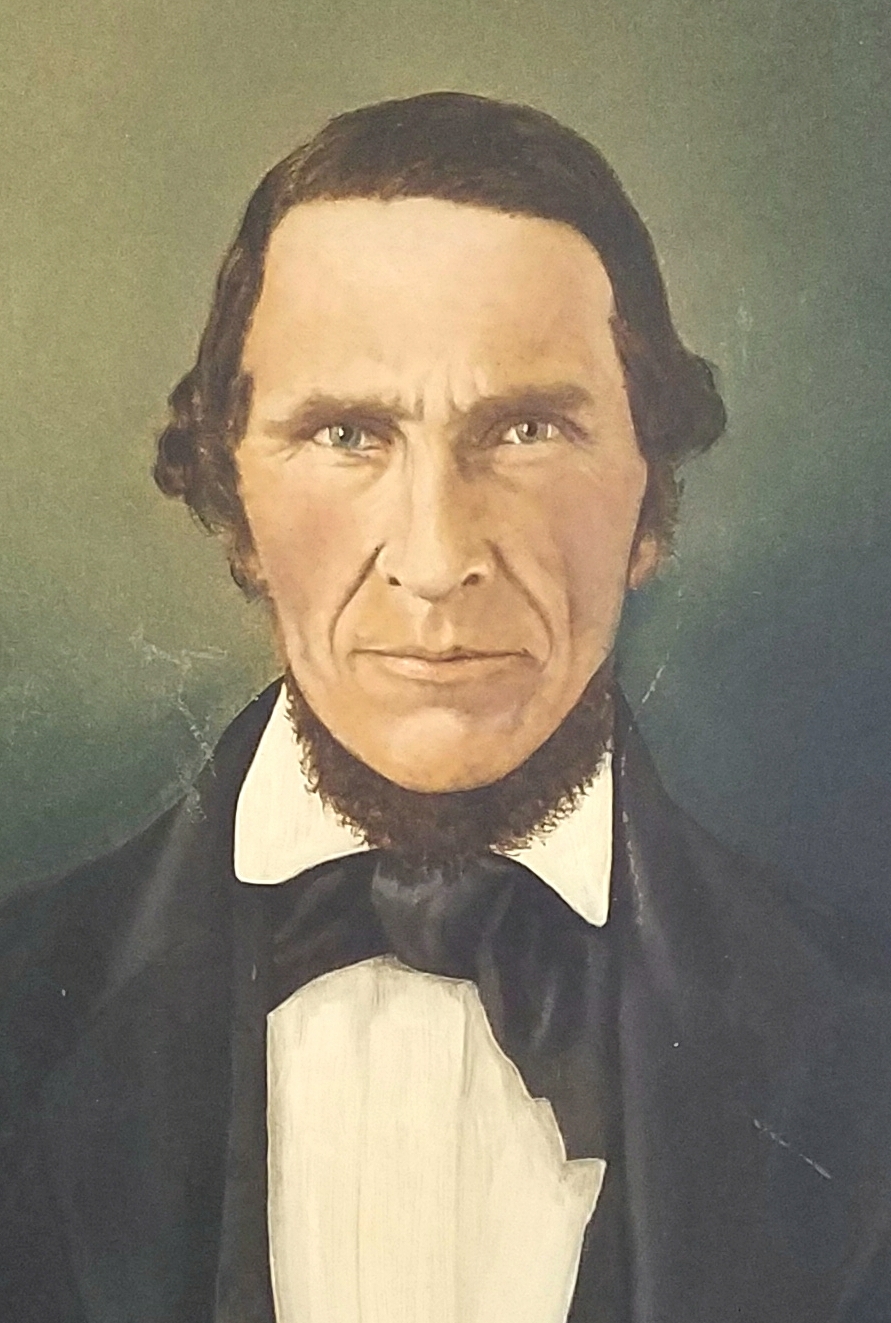
A portrait prepared for a family history book page
Photos and stories from your treeShown with the people they belong to
Preview pages before opening the print order
Choose black and white or color printing
Order one or more copies
Review shipping and total price before payment

Why the price is shown after the build

Page count depends on the family branch and memories you select. Color printing also costs more than black and white. Shipping changes with the destination and copy count.

The print order displays the book page count, shipping charge, and total order price before checkout.

Check the preview before ordering

Read the names, dates, stories, and image captions in the on-screen preview. If something in FamilySearch needs correction, fix the source profile and build a new version before paying for copies.

Also check whether the book has the right scope. Reducing generations or choosing the 25-photo option can make a shorter print project.

From tree to book

Three steps from your tree to a finished book

1

Connect FamilySearch

Sign in and choose the person and generations for the book.

2

Generate the pages

Memories Book gathers supported memories and organizes them by person.

3

Review your book

Read the finished pages and make sure the people, stories, and photos feel right.

Questions

What to know before you start

How much does a printed family history book cost?

The app calculates the price after the book is built and you enter the print choice, copy count, and shipping address. You see the total before payment.

Can I order color copies?

Yes. The print order offers black and white or color.

Do I have to order a printed copy?

No. You can build and preview without placing a print order. Premium PDF delivery is available separately.

Ready to see what is in your tree?

Build your first family history book

Start with a small branch and see the photos and stories your family has already saved.

Sign In with FamilySearch