Skip to content
Memories Book

Family history book maker

Build a family history book without laying out every page yourself

A family history book can preserve more than names and dates. Memories Book brings together the photos, stories, documents, and relationships already attached to people in your FamilySearch tree.

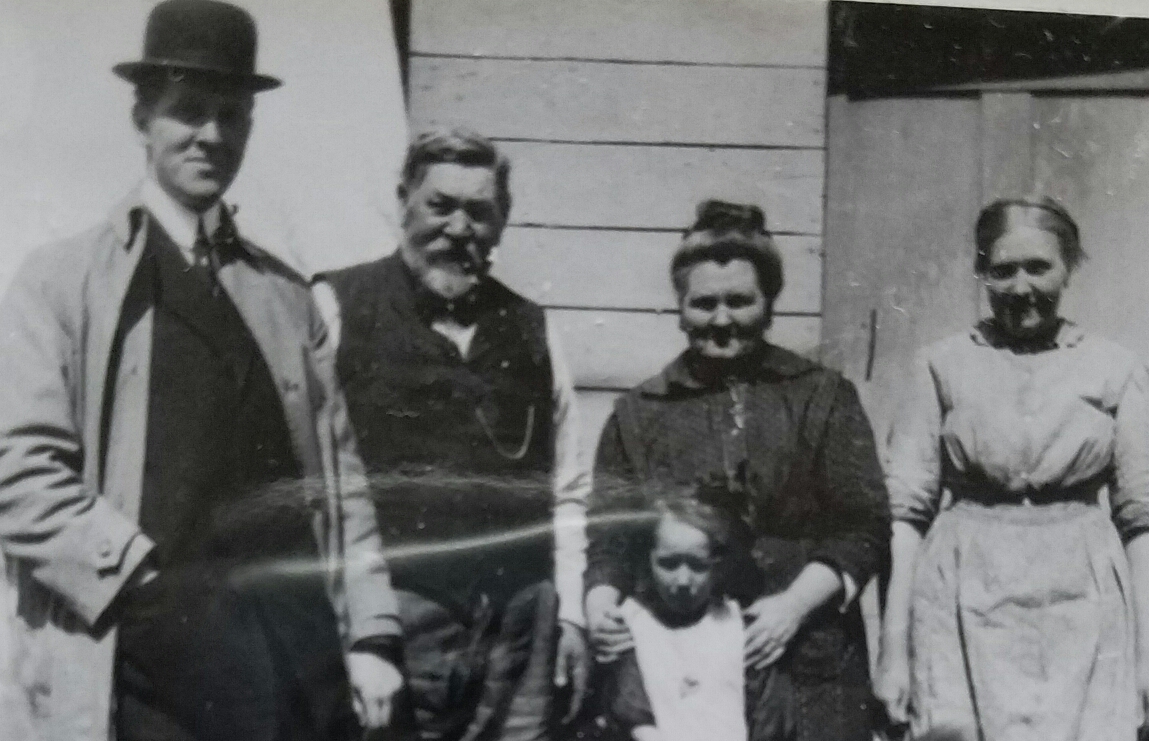
Relatives gathered for a family photograph
Photos and stories from your treeShown with the people they belong to
Choose a starting person and generation count
Include living relatives when appropriate
Preview the complete book before export or print
Build another version without changing FamilySearch

What goes into the book

The book starts with the people in the branch you select. It can include a family chart, names, lifespans, relationship details, photographs, written stories, and PDF memories. Contents depend on what your family has added to FamilySearch.

A useful first book is usually focused

Begin with one grandparent or one side of the family. Two to four generations often gives enough context without making the first project too broad. Preview the result, then adjust the starting person or generation count if the book feels too short or too long.

You can build separate books for different branches. That makes it easier to share a relevant book with each part of the family.

PDF and print are both available

The finished book appears in an on-screen preview. Printed copies can be ordered separately in black and white or color. The print quote is calculated after the book is built.

From tree to book

Three steps from your tree to a finished book

1

Connect FamilySearch

Sign in and choose the person and generations for the book.

2

Generate the pages

Memories Book gathers supported memories and organizes them by person.

3

Review your book

Read the finished pages and make sure the people, stories, and photos feel right.

Questions

What to know before you start

How many generations can I include?

The builder lets you choose the generation range before it collects memories. A smaller range is a good way to test the result before making a larger book.

Can I make more than one family history book?

Yes. You can build new versions with a different starting person, generation count, living-person setting, or photo limit.

Will every person have the same number of pages?

No. Page length depends on the memories and details available for each person in FamilySearch.

Ready to see what is in your tree?

Build your first family history book

Start with a small branch and see the photos and stories your family has already saved.

Sign In with FamilySearch