
Skip to content
Memories Book

Guide

How to print FamilySearch photos and stories as one family book

Printing memories one file at a time leaves the reader to figure out who belongs where. A book can keep each photograph, story, and document with the person it describes.

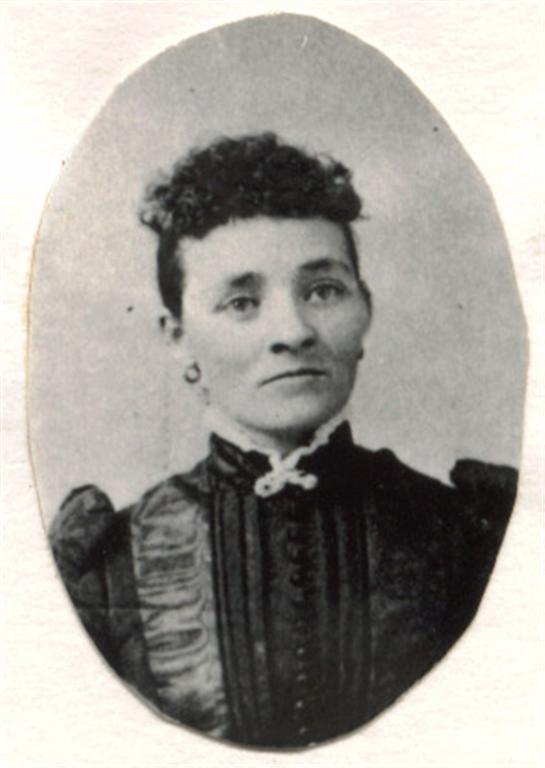
A historical portrait ready to be printed with family details
Photos and stories from your treeShown with the people they belong to
Review profiles before building
Choose a generation and photo limit
Read the preview at full size
See the actual order total before payment

Check the source memories

Open the FamilySearch profiles that matter most. Make sure the images are attached to the correct people and that titles or captions make sense. Replace unreadable scans when your family has a better copy.

Memories Book uses what is available during the build. It does not restore a low-resolution image or correct a wrong profile attachment.

Build a print-sized scope

Start with fewer generations and up to 25 photos per person. The preview reports the page count. If the book feels too short, rebuild with more generations. Premium can include all available photos in later books.

Include PDF memories when the original documents add information readers need. Leave them out when a clean photo and story book is the better fit.

Proof the preview

Read every name and inspect important photographs. Check that a document page is readable. Ask a relative who knows the branch to review the people most likely to be confused.

Correct source material in FamilySearch, then build again. Do this before print checkout.

Choose the print order

Open Print and Ship after the book is ready. Enter the destination, number of copies, and black and white or color choice. The app calculates shipping and the full order total. Payment comes after the quote.

From tree to book

Three steps from your tree to a finished book

1

Connect FamilySearch

Sign in and choose the person and generations for the book.

2

Generate the pages

Memories Book gathers supported memories and organizes them by person.

3

Review your book

Read the finished pages and make sure the people, stories, and photos feel right.

Questions

What to know before you start

Should old photographs be printed in color?

Color printing preserves sepia tones, annotations, and any color images in the collection. Black and white may be a better fit when the whole book is monochrome and cost matters.

Can I get a PDF and a printed copy?

Yes. Premium PDF delivery and print orders are separate options, so you can choose both.

Ready to see what is in your tree?

Build your first family history book

Start with a small branch and see the photos and stories your family has already saved.

Sign In with FamilySearch