
Start with the photos that already have a home
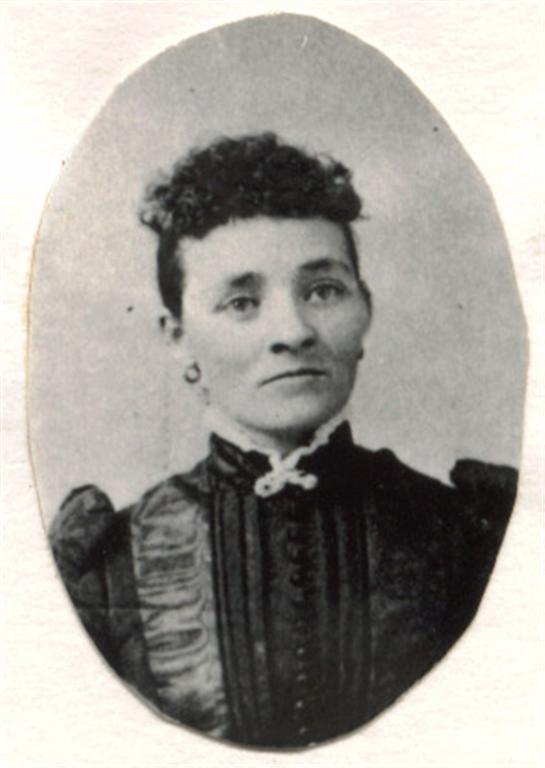
Photos attached to FamilySearch profiles already carry an important piece of context: the person they belong to. Memories Book uses that connection when it builds the book. This reduces the chance that an image becomes separated from its name in a new album.
Titles and dates are included when the source memory provides them. Sparse profiles will produce shorter sections. Profiles with many images can fill several pages.
Choose the right photo limit
Use the 25-photo option when you want a book that introduces a family branch without becoming too long.
A broad generation range with all available photos can create a large book. Previewing a focused version first makes the final choice easier.
Photographs are stronger with stories beside them
The builder can include written memories and documents along with photographs. A portrait may be more useful when readers can also see a life story, a letter, or a record connected to the person.