Skip to content
Memories Book

Planning checklist

A family history book template that starts with decisions, not blank pages

Memories Book handles the page layout. Your part is deciding what the book should cover and checking the family information that goes into it.

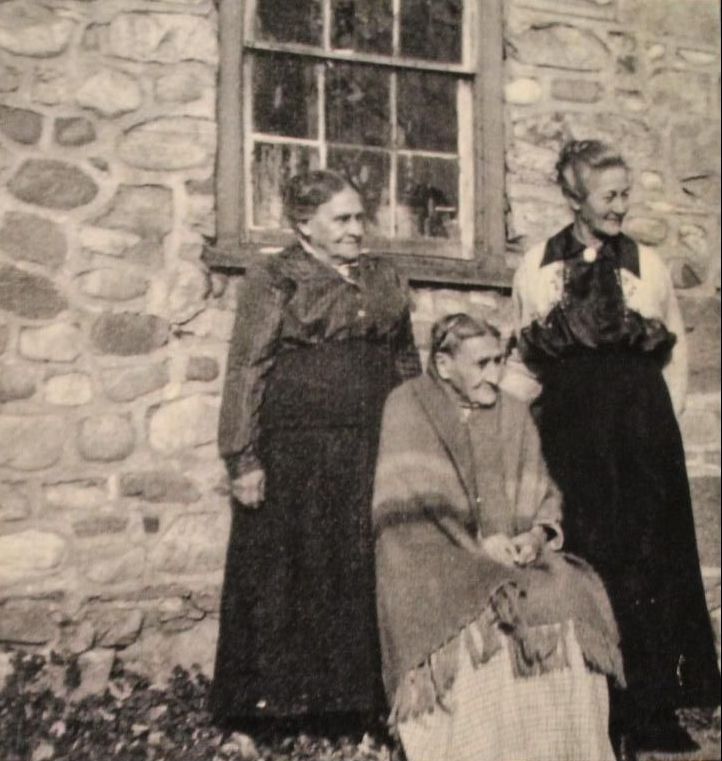
An ancestor portrait representing the starting person in a book plan
Photos and stories from your treeShown with the people they belong to
Reader and occasion
Starting person and generation range
Photo and document settings
Review, PDF, and print choices

Book purpose

Write down the intended reader, occasion, and family branch. Decide whether the book is an introduction, a gift, a reunion record, or a fuller research copy. This prevents the scope from expanding every time you find another relative.

Content settings

Choose the starting person, generation count, whether living people belong in the book, whether PDF memories should appear, and how many photos to include. Your first book and Premium books can include all available photos. Record the choices so a later version can be compared fairly.

Source review

Check the starting person, their parents, and the photo-rich profiles in FamilySearch. Look for wrong relationships, duplicate memories, weak scans, missing captions, and private items the intended builder cannot access.

Final review and delivery

Read the preview and note the page count. Decide who will proof names and dates. Choose whether the finished version needs PDF delivery, printed copies, or both. For print, gather the correct shipping address and copy count before checkout.

From tree to book

Three steps from your tree to a finished book

1

Connect FamilySearch

Sign in and choose the person and generations for the book.

2

Generate the pages

Memories Book gathers supported memories and organizes them by person.

3

Review your book

Read the finished pages and make sure the people, stories, and photos feel right.

Questions

What to know before you start

Do I need desktop publishing software?

No. Memories Book builds the pages in the browser. You still need to review the source information and finished preview.

What should I gather before starting?

Know the starting person, intended reader, generation range, and whether the key memories are already attached in FamilySearch.

Can I save this as a blank editable template?

The current product is an automatic builder rather than a blank page editor. Use the checklist to plan settings, then build from the tree.

Ready to see what is in your tree?

Build your first family history book

Start with a small branch and see the photos and stories your family has already saved.

Sign In with FamilySearch